
Smart Scheduling
Dusk to Dawn Outdoor Lights
That Set Themselves
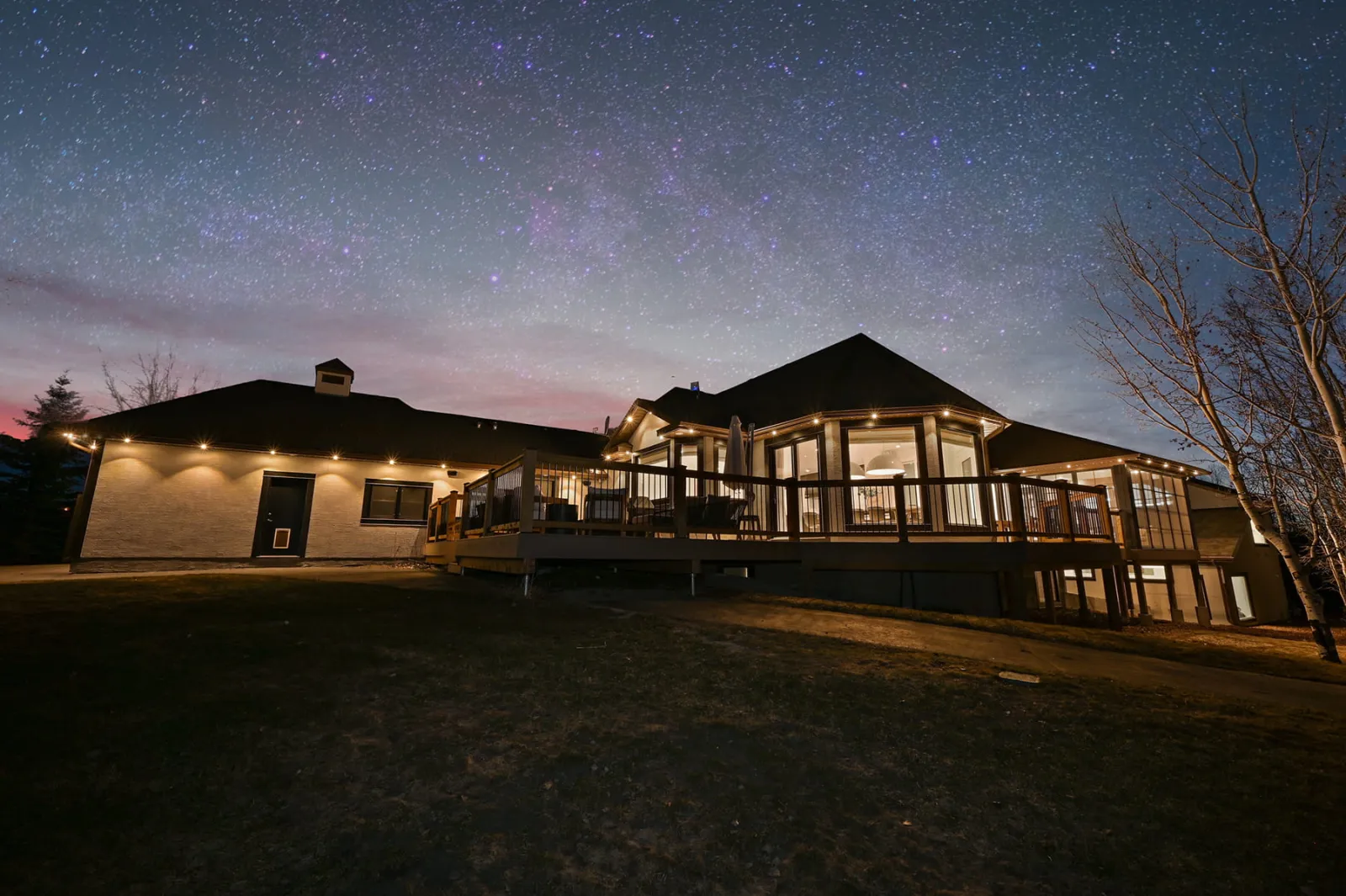
Gemstone Lights® smart scheduling turns your dusk to dawn outdoor lights on at sunset and off at sunrise, and keeps up as Atlanta’s sunset moves from about 5:30 in early December to nearly 9 p.m. in late June.
Timers
Three Ways a Timer Repeats
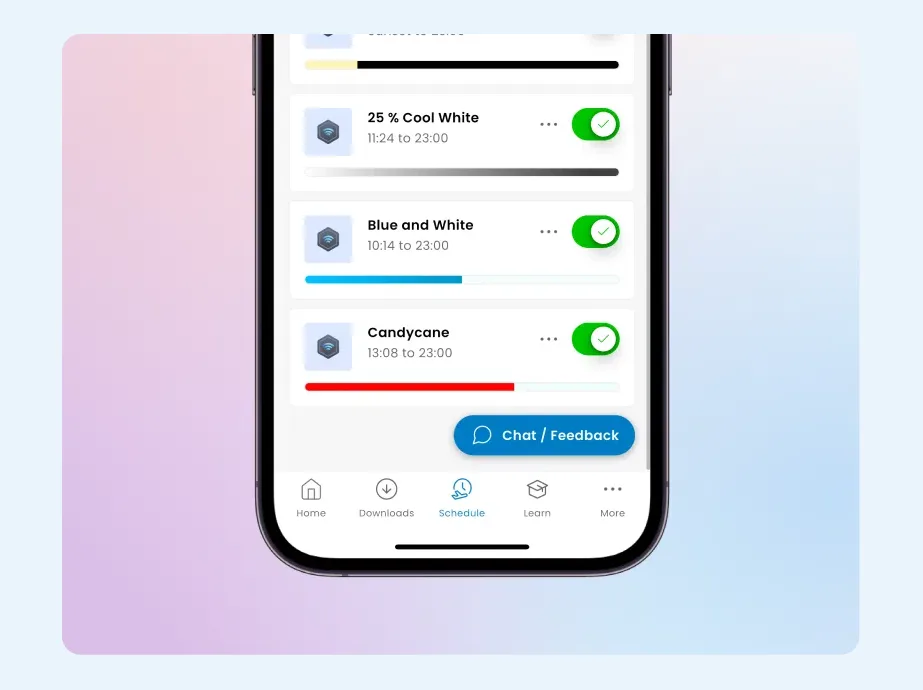
Schedules are where permanent lights start to feel automatic. You set a timer once in the Gemstone Lights app and the controller runs it every night after that, phone or no phone.
Every timer repeats daily, weekly on the days you choose, or yearly on a set date, such as a birthday or an anniversary. On and off times can be a clock time or your local sunset and sunrise, with an optional offset, so a warm-white glow from sunset until 11 on weeknights is a single weekly timer.
- Daily, every day
- Weekly, on the days you pick
- Yearly, on a set date
Sunrise and sunset
Timers That Follow the Georgia Sun
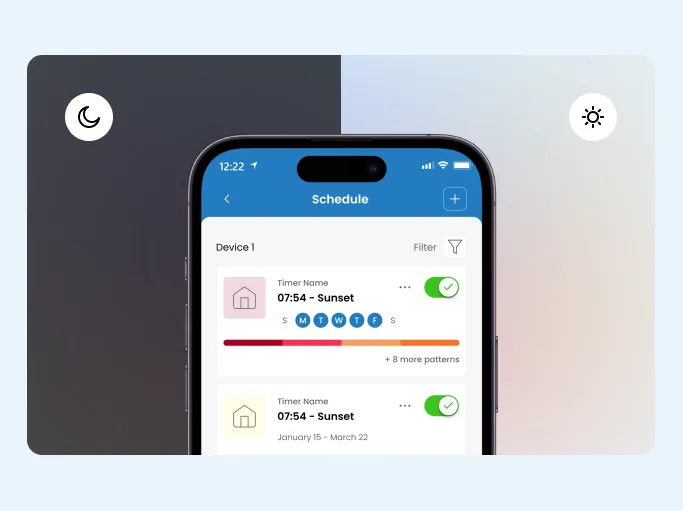
Sunrise and sunset timers work from your location, so they shift a little every day without you touching them.
Each one takes an offset. If you would rather the lights wait until the sky is properly dark, set them to come on a little after sunset. If you leave early for work, set them to switch off before sunrise.
These timers keep working offline. If a summer storm knocks out your internet, the lights still come on at dusk.
Run your dusk to dawn outdoor lights in bright white at the doors and driveway for security lighting that never forgets to turn on.
Scheduling Features
Smart Scheduling
Calendar schedules and sunset-to-sunrise timers run your lights so you never have to think about them.
Sunrise & Sunset Timers
Timers follow sunrise and sunset where you live, take an offset, and keep running even when the internet is down.
Group Timers
One timer can drive a group of controllers, so every part of the system switches together.
64 Timers
Each Hub2 controller holds up to 64 timers, up from 10 on the original Hub.
Autopilot
Subscribe to holiday, seasonal and game-day calendars and your lights change to a fitting pattern on their own.
Control From Anywhere
Change your lights from across town or across the country over WiFi or cellular data.
Group timers
One Timer for the Whole Property
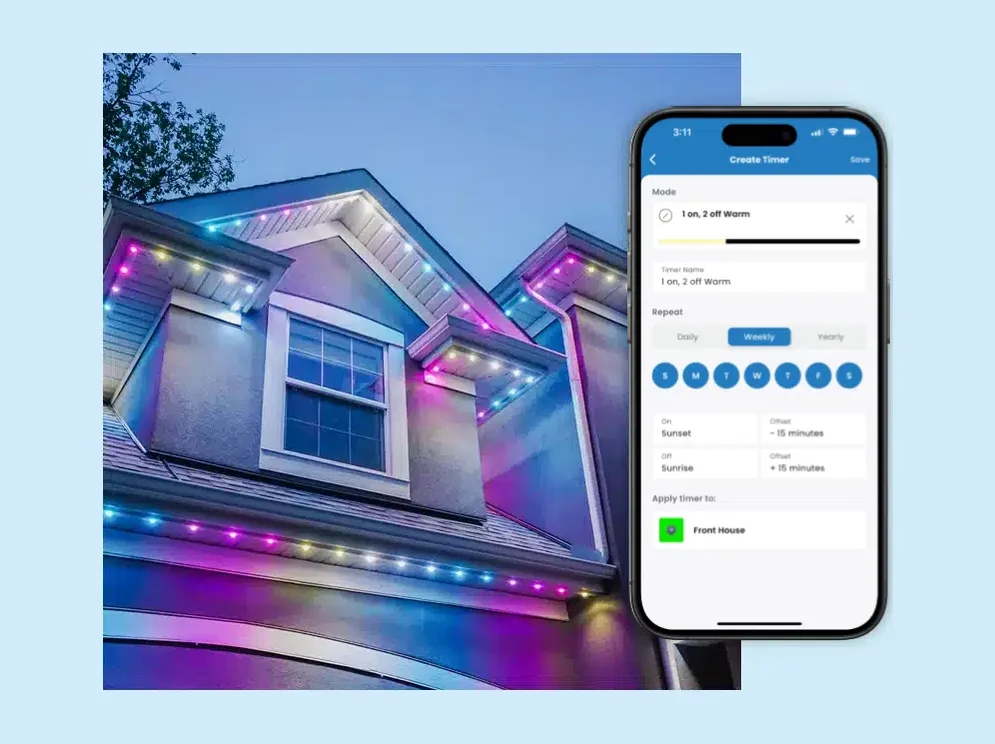
Some properties end up with more than one controller, for example the roofline on one and a backyard patio on another. A group timer drives all of them at once, so every part of the property switches on and off together and you manage one schedule instead of several.
Each Hub2 controller holds up to 64 timers, up from 10 on the original Hub. That is enough for a weekday routine, a different weekend look, and a year of special dates on top.
If you add patio lights later, they join the same app and the same schedules.
Schedules People Actually Use
Everyday warm white
On at sunset, off at 11 p.m., dimmed a little for a soft look.
All-night entries
Front door, side yard and driveway lit from dusk to dawn.
Team colors on a set evening, back to warm white after.
Calendar timers or Autopilot handle December for you.
Smart Scheduling FAQs
Yes. Sunrise and sunset timers run from the controller and keep working offline, so the lights still come on at dusk. You need the internet back only to change things from away from home.
Usually not. Sunrise and sunset timers follow the actual sun where you live, so the lights come on later in June than in December without any changes from you. If a timer ever runs an hour early or late after the clocks change, Gemstone’s first fix is to restart the controller from its settings in the app.
Up to 64 per Hub2 controller, up from 10 on the original Hub. Group timers let one timer run several controllers at once.
Yes, a sunset to sunrise timer does exactly that. LED draw is low, at most 1 watt per light at full bright white on roofline track lights, and other colors and animations use less.
If you subscribe to Autopilot calendars, Autopilot overrides your daily and weekly timers on those dates and plays a holiday pattern, but a yearly timer set for the same date still comes first. On every other night your regular timers run as normal.
Yes. If your HOA or street has a preferred lights-off time, a daily timer turns everything off at that exact hour every night. You can still turn the lights back on from the app if you need them.
Keep exploring
See What This Could Look Like
on Your Home
Tell us a little about your home, and we'll help you understand what a professionally installed Gemstone Lights system could look like for your space.
Thanks — your request is in. A specialist will be in touch shortly.